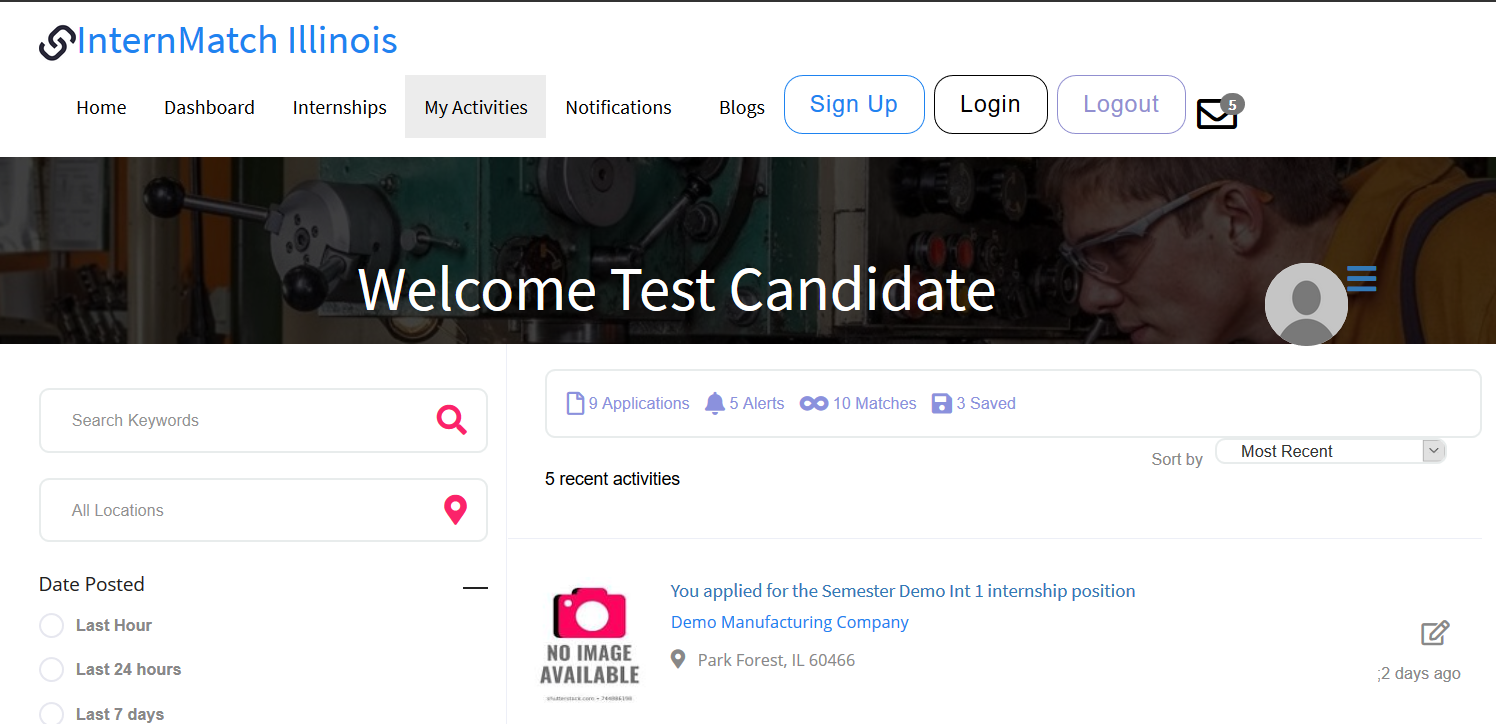
Next time you log in, you’ll go to the “My Activities” page:
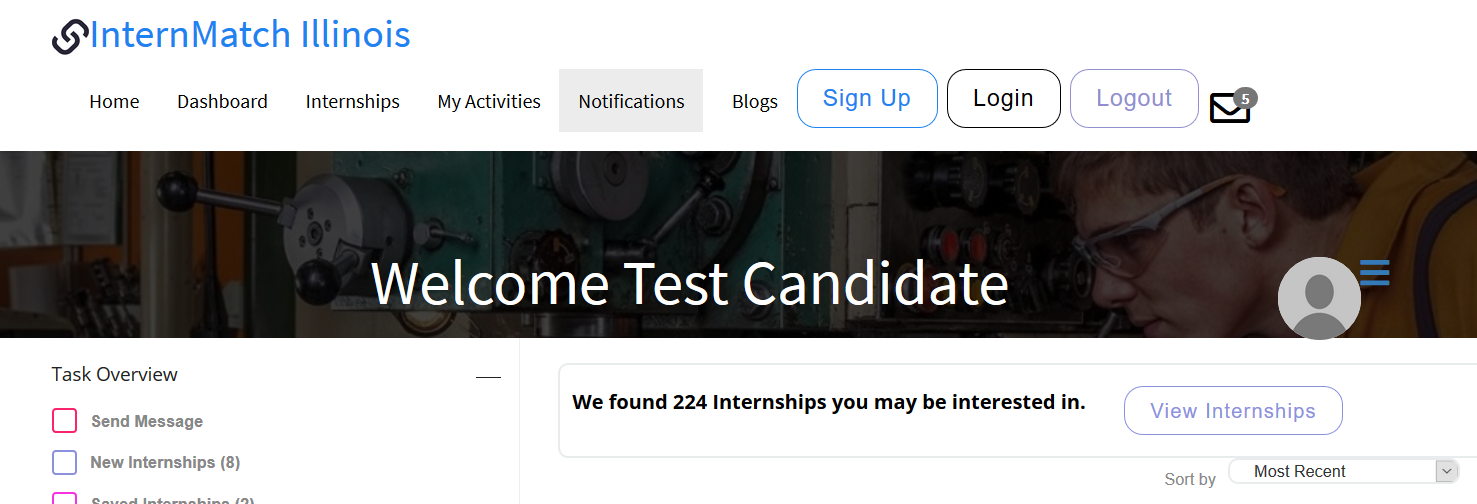
Click on View Internship or go to Internships tab.
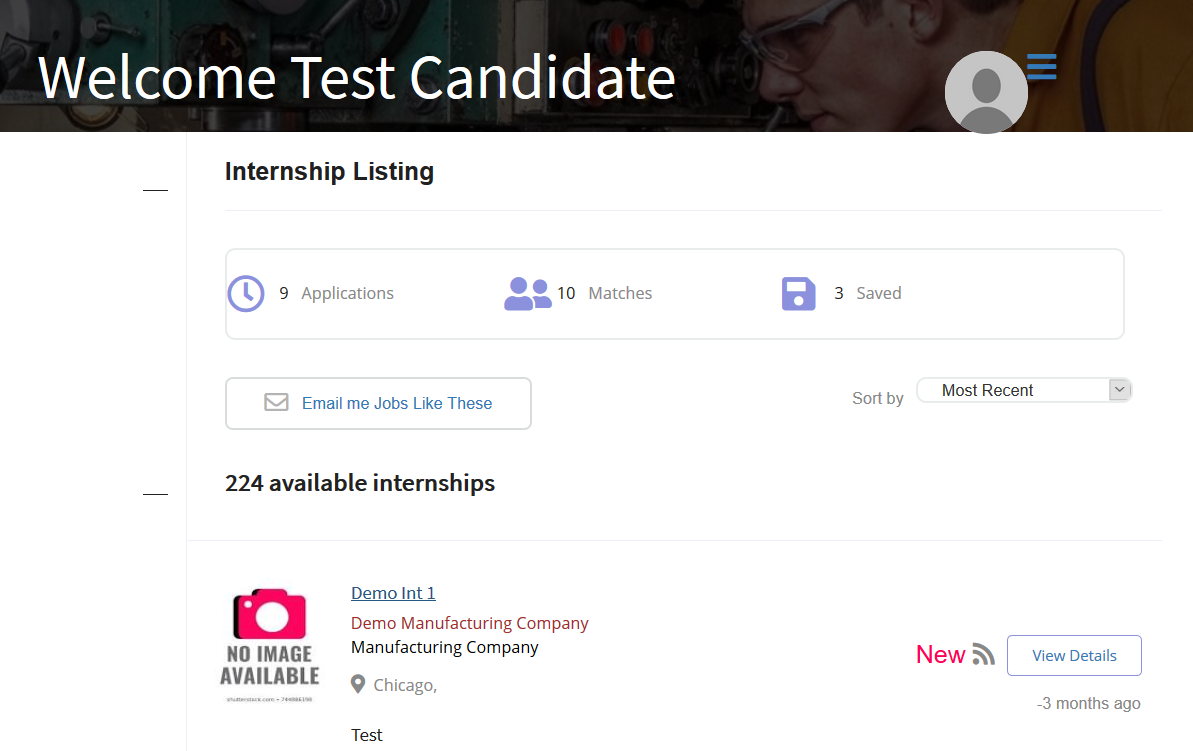
Choose one of the Internships to view. Click on View Details:
Apply from the Details screen.
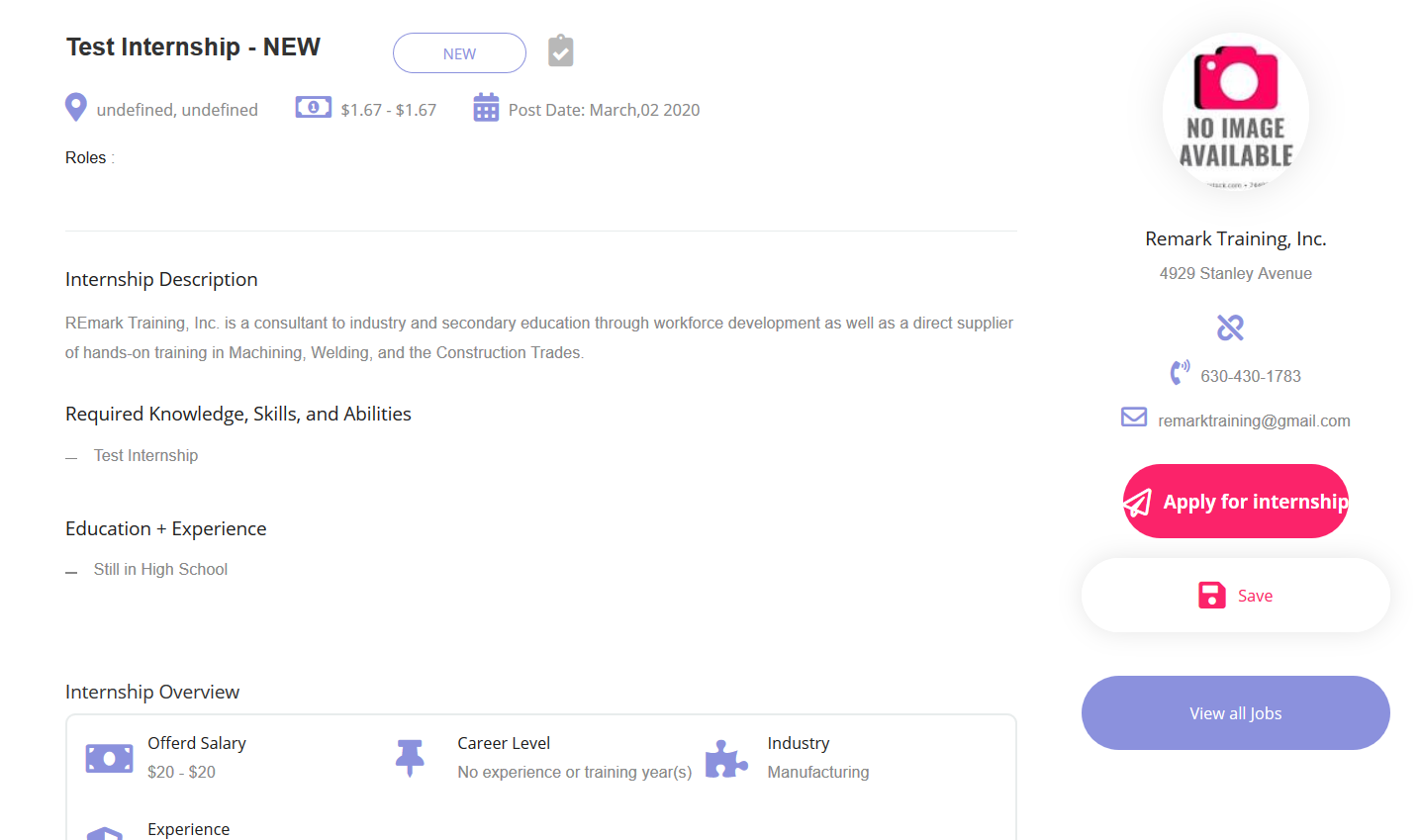
Your profile and application will be automatically sent to the employer for review.
You will receive notifications once the employer reviews your application.